How to Link Aadhaar with Yes Bank Account Online (Step-by-Step Guide)

Learn how to link Aadhaar with your Yes Bank account online in a simple step-by-step process. This detailed guide explains net banking and mobile app methods, required documents, benefits of Aadhaar seeding, and FAQs to help you complete the process easily and receive government subsidies without any issues.
Read more
How to Increase Yes Bank Transaction Limit (UPI / ATM / Net Banking)

If your Yes Bank transaction fails due to daily limit restrictions, you are not alone. Yes Bank sets limits on UPI, ATM withdrawals, and net banking transfers for security and fraud prevention. While UPI limits are mostly fixed as per banking guidelines, debit card and net banking limits can often be increased through mobile banking, internet banking, or by visiting your branch. Before requesting a limit increase, ensure your KYC is updated and your account is active. With the right steps, you can easily raise your transaction limit and complete higher-value payments without hassle.
Read more
IMPS Money Wrongly Sent to Another Bank from YES Bank — What To Do? (Step-by-Step Guide with Real Example)

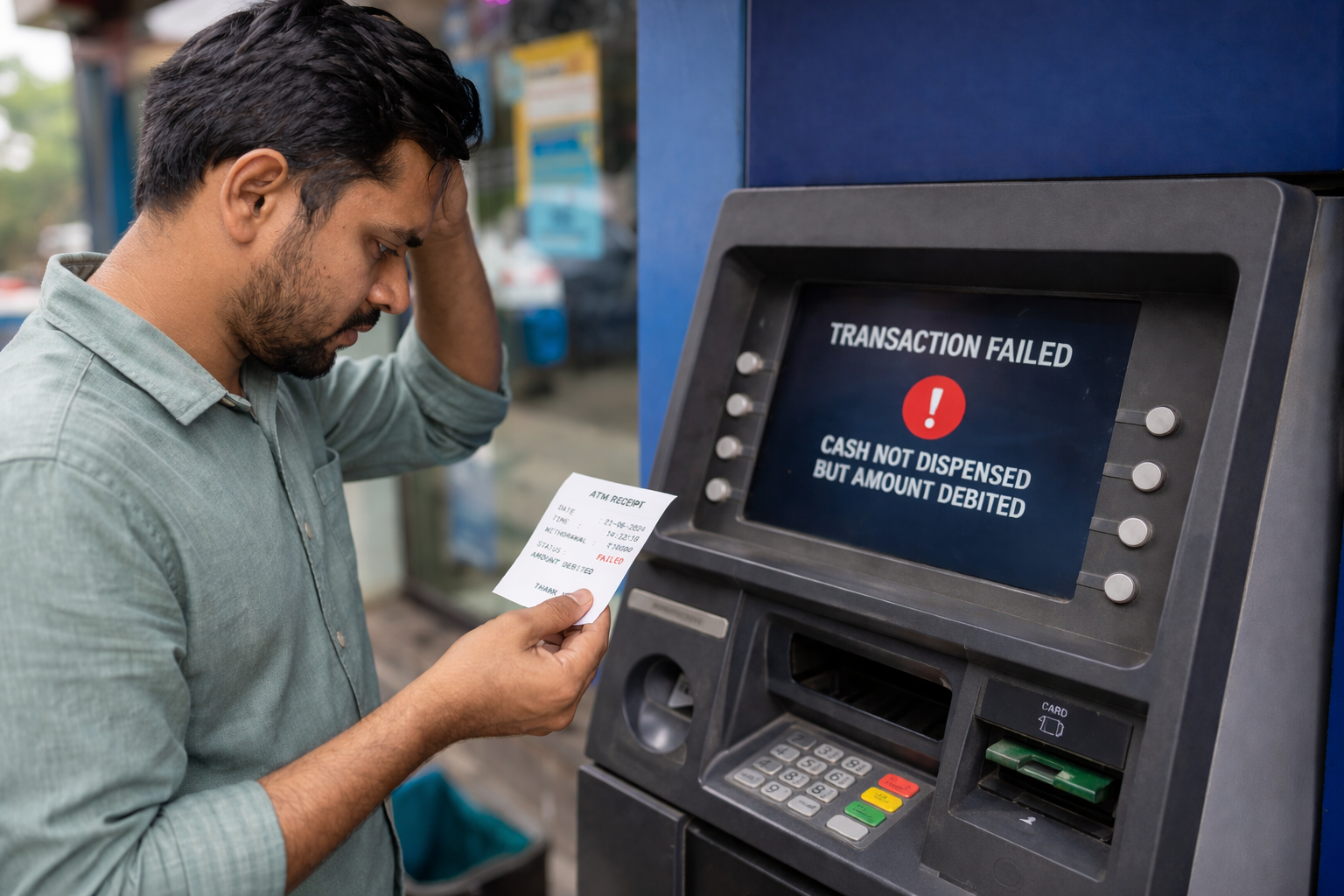
If you have mistakenly sent money through IMPS from your YES Bank account to the wrong bank, don’t panic. This guide explains the correct step-by-step process to recover your funds by contacting YES Bank first and raising a recall request. With a real-life example, you will understand whom to contact, how the recovery process works, and what to do if the money is not returned.
Read more
🏦 How to Activate Dormant Yes Bank Account – Complete Step-by-Step Guide (2026)

If your Yes Bank account has become dormant due to no transactions for 24 months, don’t worry. You can easily reactivate it by visiting your home branch, submitting a written request, completing KYC verification, and making a small transaction. This step-by-step guide explains the complete process, required documents, charges (if any), and important tips to activate your account quickly.
Read more
Why Is My Yes Bank Account Showing “No Debit” Marked? (Reasons & Solutions)

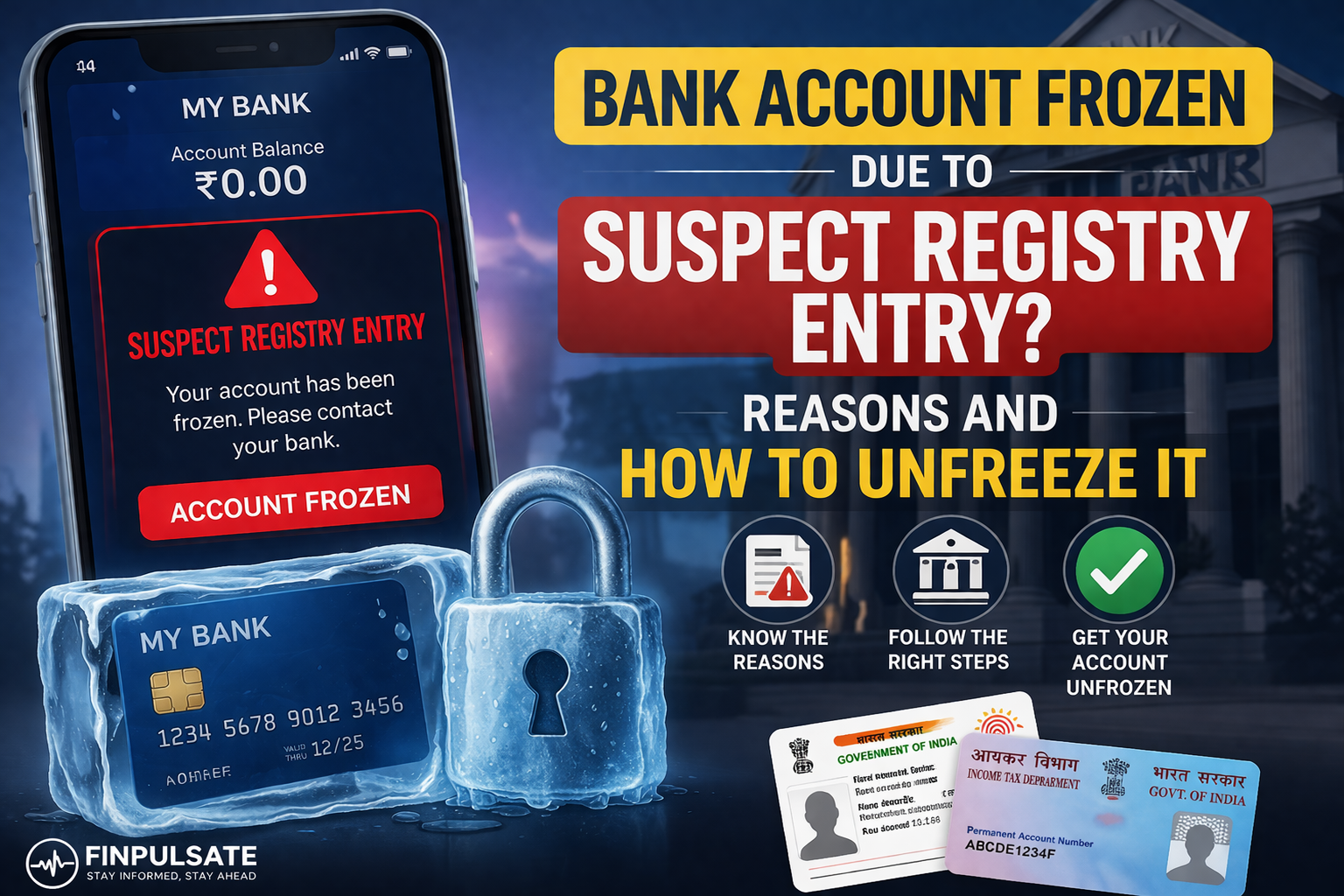
If your Yes Bank account is showing “No Debit” marked, it means you cannot withdraw or transfer money temporarily. This usually happens due to KYC pending, suspicious transactions, legal hold, or account inactivity. Learn the real reasons and simple steps to remove the restriction quickly.
Read more