
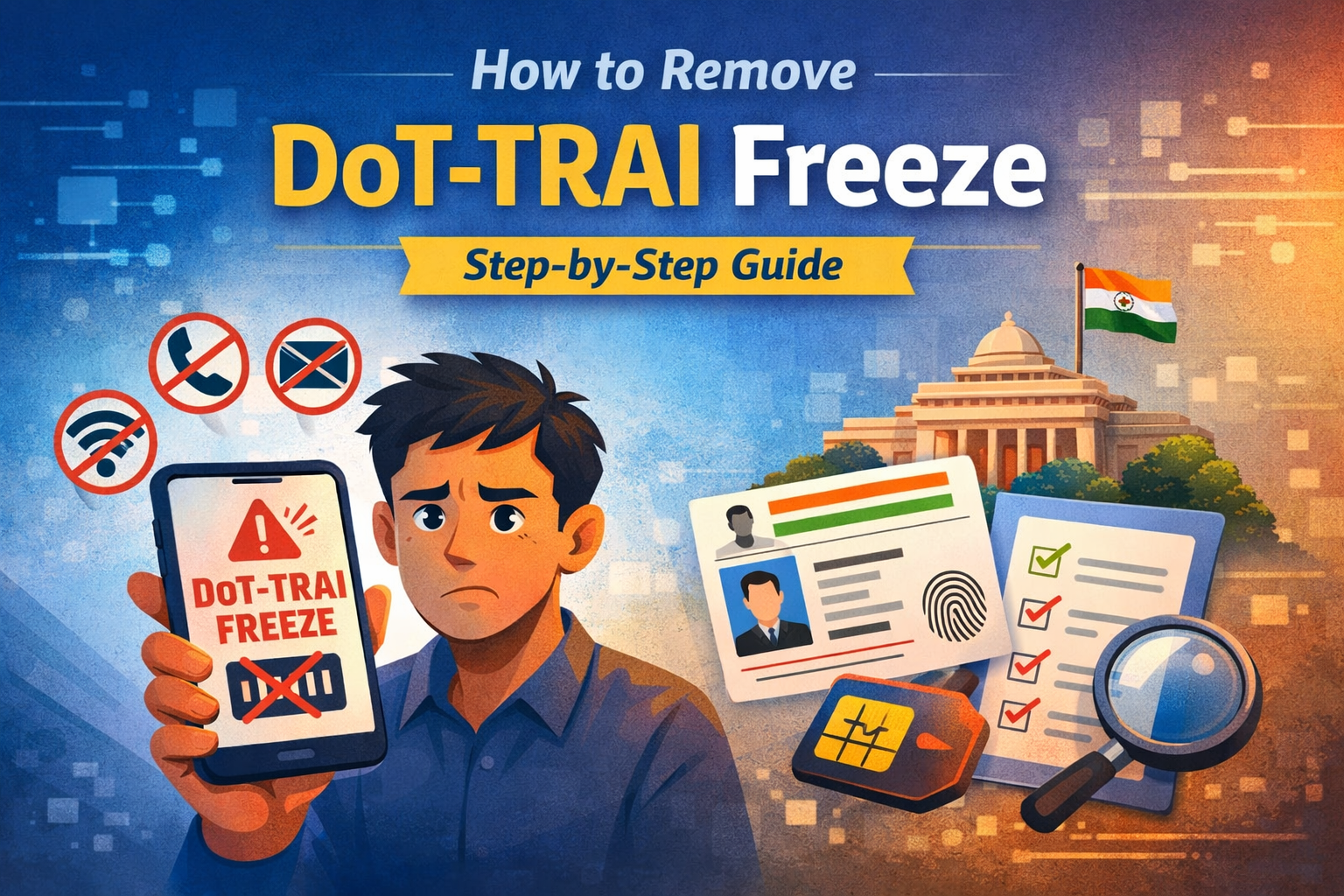
If your mobile number suddenly stops working, outgoing calls are blocked, or you receive a message mentioning DoT or telecom restriction, it can be stressful. Many people face this issue and assume something serious has happened. But in most cases, the problem can be solved easily.
In this article, you will understand what DoT-TRAI freeze means, why it happens, and how you can remove it step by step.
What is DoT-TRAI Freeze?
A DoT-TRAI freeze means your mobile number has been temporarily restricted due to verification or security reasons. This action is generally taken under telecom rules issued by the
Department of Telecommunications and regulated by the
Telecom Regulatory Authority of India.
The main purpose is to prevent fraud, illegal SIM usage, or suspicious activities.
Common Reasons for DoT-TRAI Freeze
Your SIM may get frozen due to several reasons:
SIM KYC incomplete or pending
Multiple SIM cards issued on one ID proof
Suspicious calling or SMS activity
Complaint registered against your number
SIM involved in fraud or spam activity
Failure in re-verification process
Long period of inactivity
Sometimes, the freeze may also happen due to system alerts or verification mismatch.
Signs Your Number is Frozen
You may notice the following problems:
Outgoing calls barred
Incoming calls restricted
SMS not sending
Mobile internet stopped
Message showing telecom restriction or verification required
If you are facing these issues, your number is likely under restriction.
How to Remove DoT-TRAI Freeze (Step-by-Step)
Step 1: Contact Your Mobile Operator
Call customer care or visit the nearest service center of your telecom provider like Jio, Airtel, Vi, or BSNL. Ask them the exact reason for the freeze.
Step 2: Visit Store with Documents
Carry the following documents:
Aadhaar card or any valid ID proof
Passport size photo (if required)
Mobile number details
Alternate contact number
Step 3: Complete Re-KYC Verification
The telecom executive will verify your identity using OTP or biometric authentication. This step is mandatory to remove the restriction.
Step 4: Wait for Activation
After successful verification, your number usually gets restored within:
24 to 72 hours in most cases.
What If Your SIM is Still Not Activated?
If the issue is not resolved:
Ask for complaint number from your operator
Follow up with customer care
Visit the store again if needed
Most cases get solved after proper verification.
Tips to Avoid DoT Freeze in Future
Keep your SIM KYC updated
Do not share OTP with anyone
Avoid giving your SIM to unknown persons
Limit number of SIM cards on your ID
Report lost SIM immediately
Frequently Asked Questions (FAQ)
- What is DoT freeze message on my phone?
It means your mobile services are restricted due to verification or security reasons under telecom regulations. - How long does it take to remove DoT freeze?
Normally it takes 24 to 72 hours after completing KYC verification. - Can DoT freeze happen without any reason?
Yes, sometimes it happens due to system alerts, multiple SIM usage, or verification mismatch. - Do I need to change my SIM card?
No, in most cases you do not need a new SIM. Verification is enough to restore services. - Can I remove DoT freeze online?
Usually, you need to visit the telecom operator store for biometric or document verification. - Will my number be permanently blocked?
Permanent blocking happens only in serious fraud cases. Most freezes are temporary. - Is DoT freeze related to bank account freeze?
No, both are different. DoT freeze affects mobile services, not your bank account.
Final Words
DoT-TRAI freeze is mainly a safety measure to protect users from fraud and misuse. The solution is simple — complete your verification and cooperate with your telecom provider. In most cases, your number will start working again within a few days.